// FREE · OFFLINE · NO ADS

Finally, OCR that
reads Amharic.

Most scanner apps ignore Ethiopian scripts. FidelDoc was built specifically for them - offline OCR for Amharic, Tigrinya, and Afaan Oromo, plus a full PDF toolkit, all on your phone. Now live on Google Play. No cloud. No account. No cost.
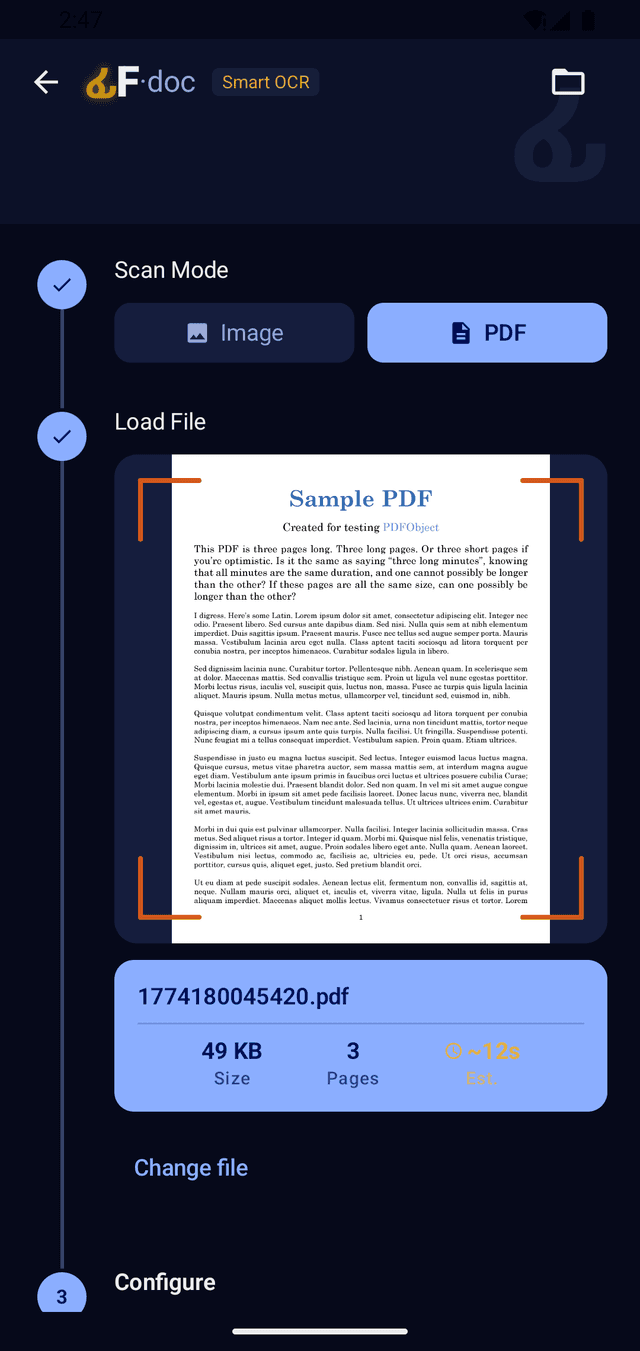
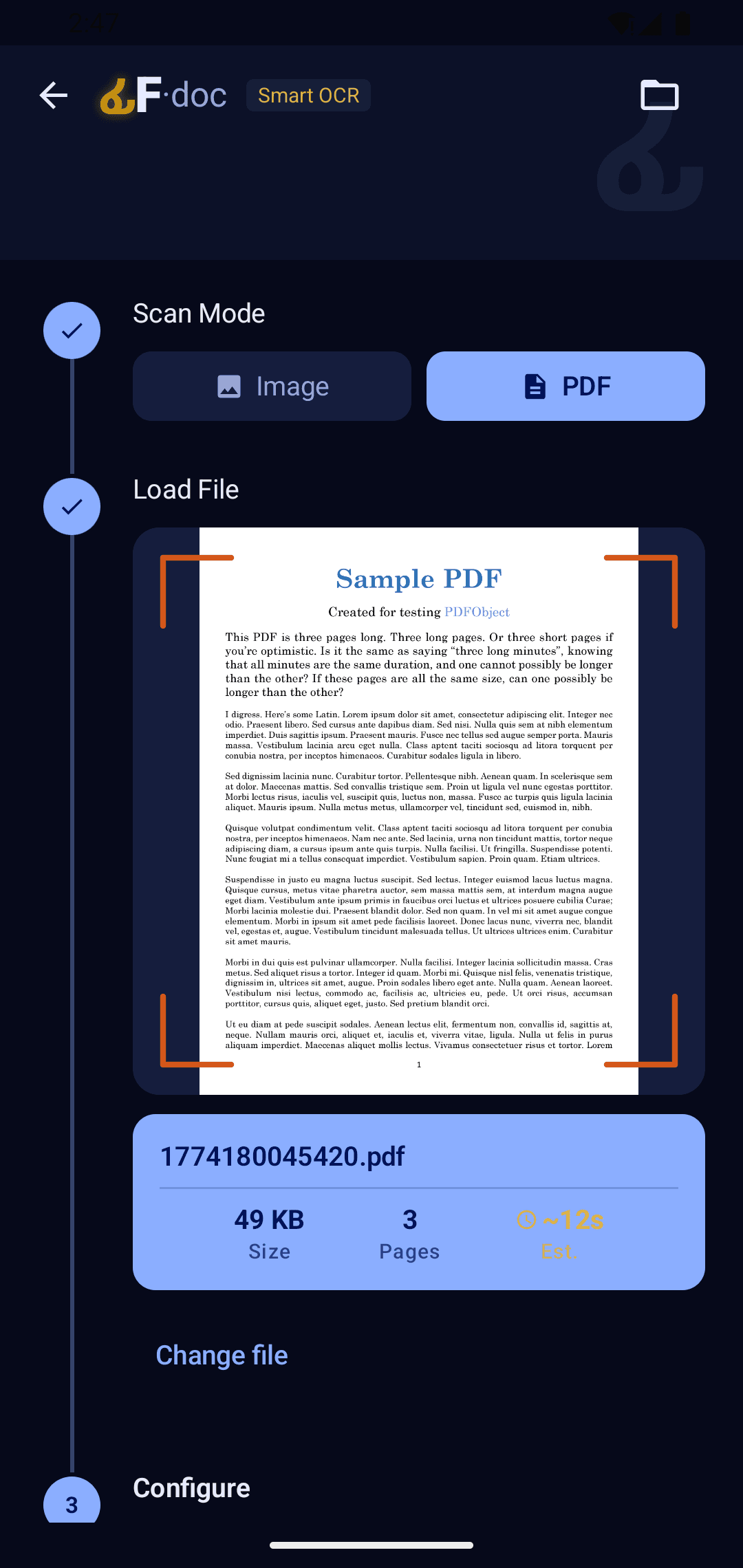
FidelDoc Smart OCR workflow loading a PDF for recognition
3Ethiopian Languages
10+Export Formats
100%Offline
FreeForever · No Ads

// THE PROBLEM

Other scanner apps weren't built for you.

CamScanner, Adobe Scan, Microsoft Lens — none of them support Amharic, Tigrinya, or Afaan Oromo. If your documents are in Ethiopian scripts, your only options have been to retype everything by hand, or pay for cloud services that still get it wrong. FidelDoc was built to fix that. Full document scanning, offline OCR for Ethiopian languages, and a complete PDF toolkit — all free, all on your phone.

// SEE IT IN ACTION

Built for real documents

From scanning to exporting — everything happens on your phone.

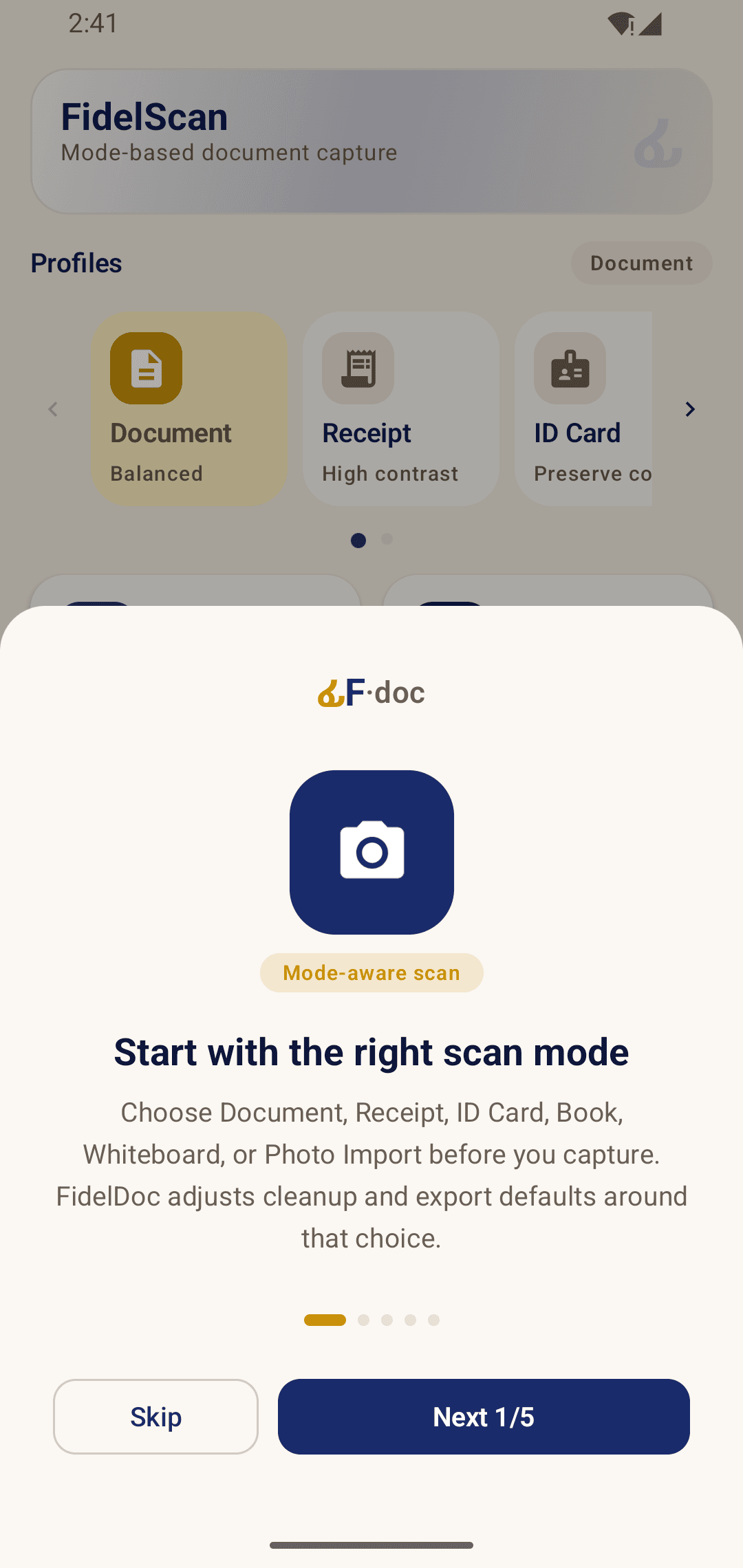
FidelDoc onboarding screen introducing mode-aware scan capture
Guided Onboarding
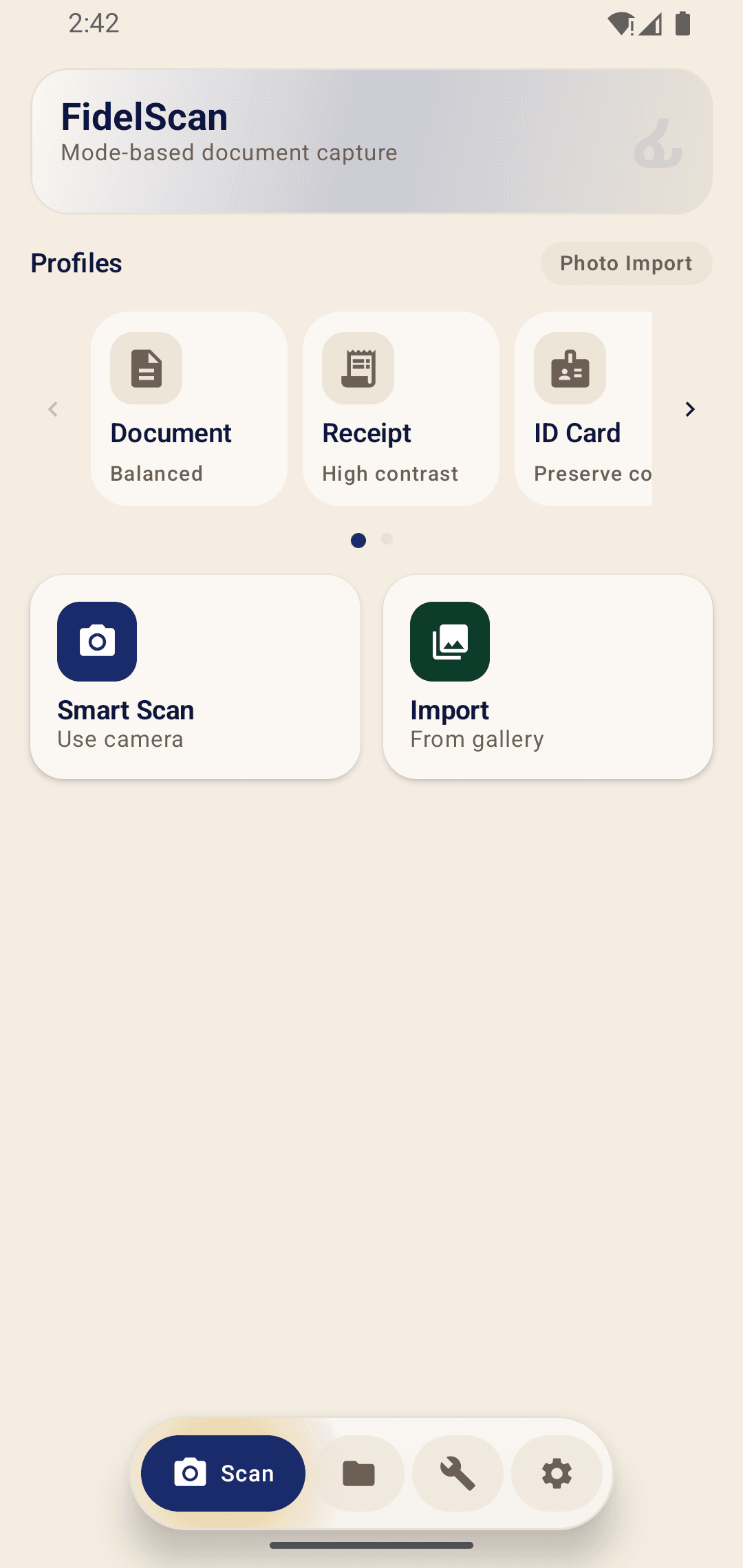
FidelDoc scan home screen with Smart Scan and Import actions
Scan Home
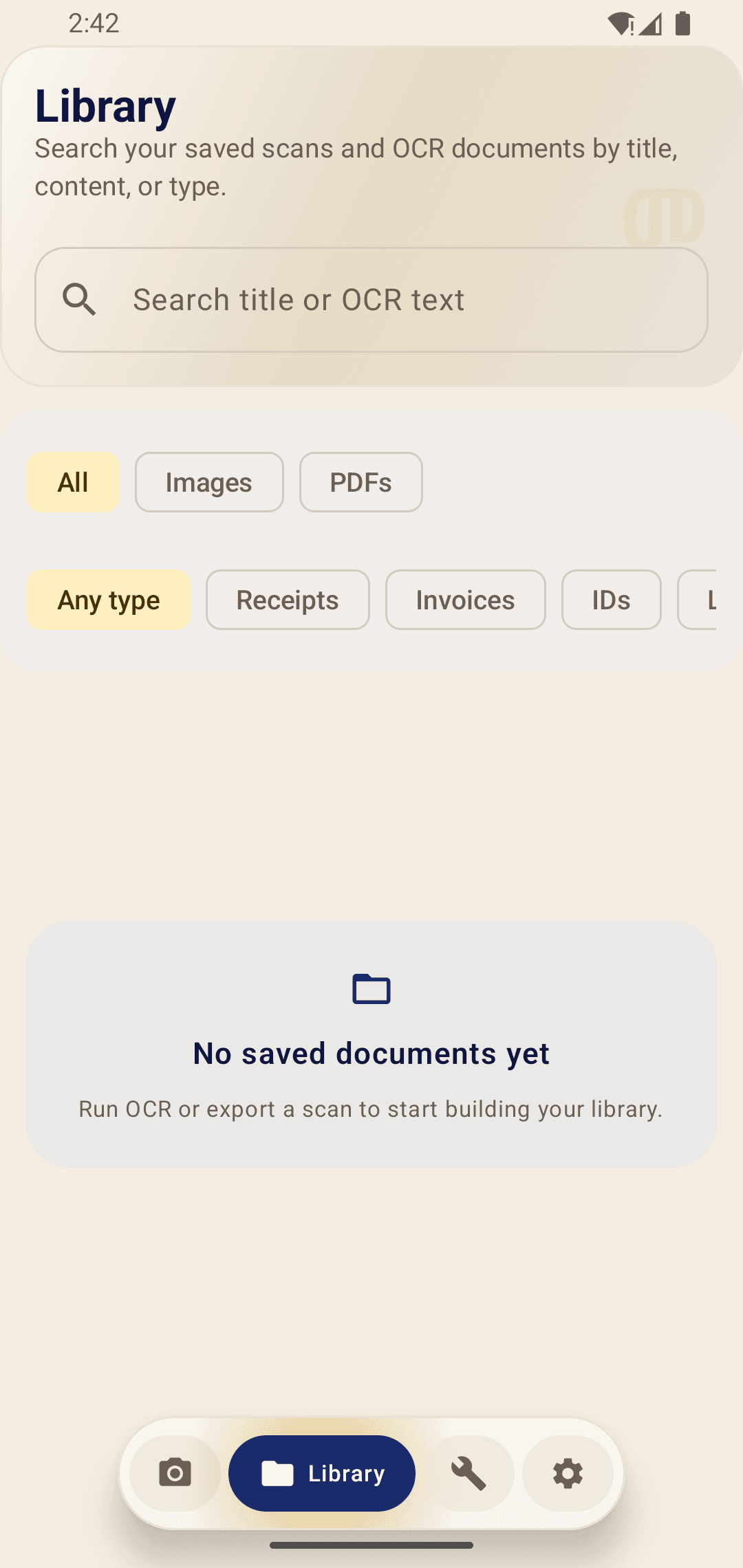
FidelDoc library screen with OCR search and document filters
Library Search
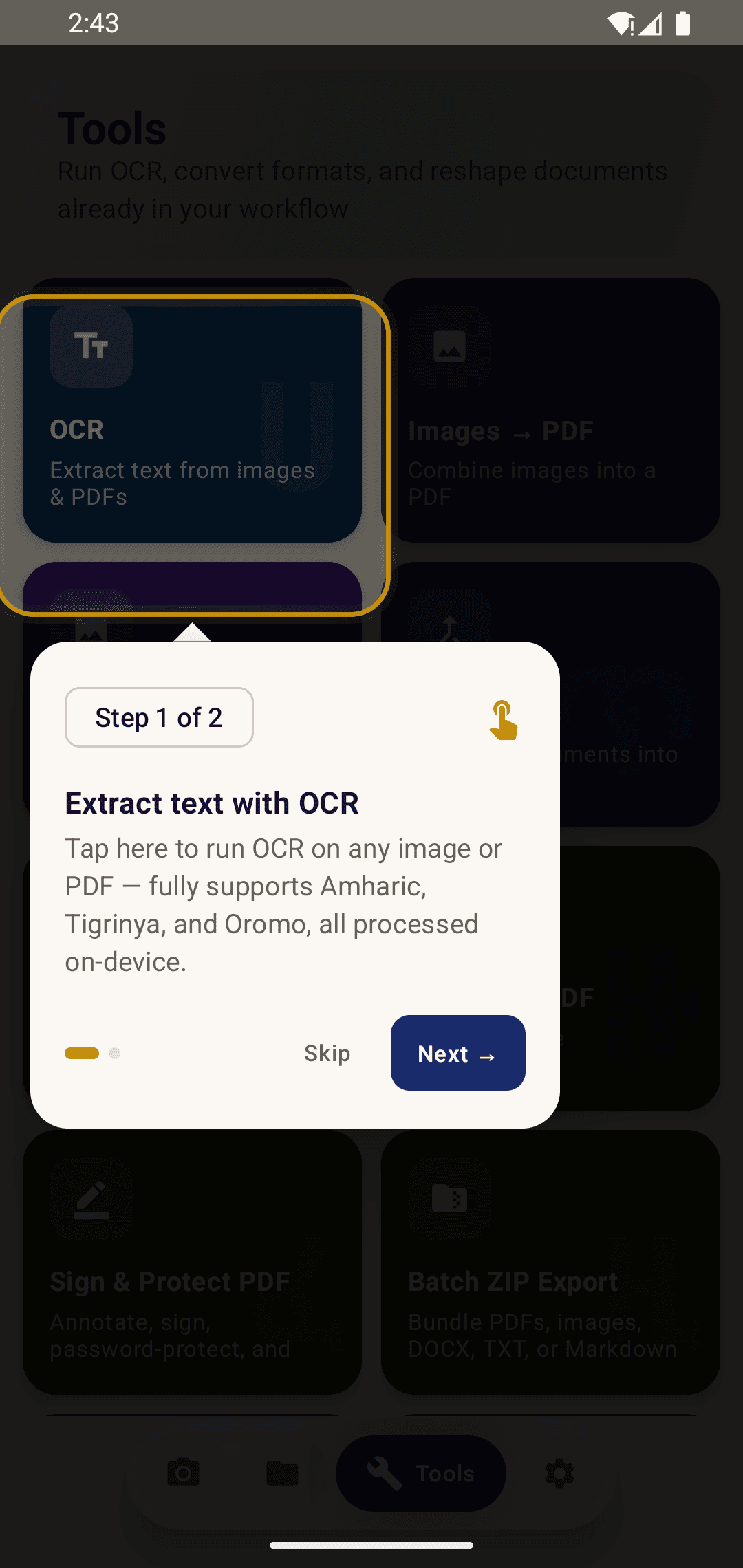
FidelDoc tools screen highlighting the OCR workflow
OCR Tools
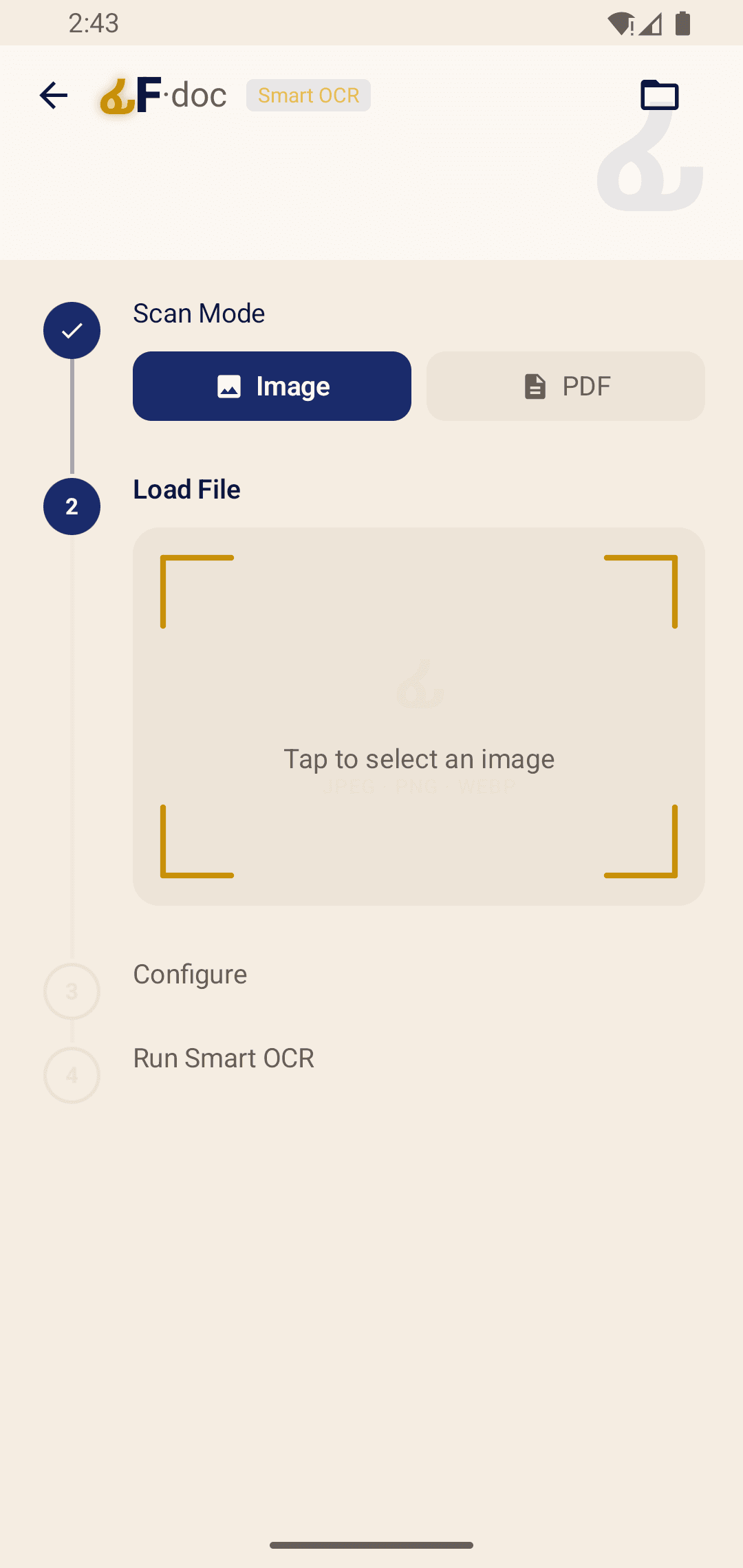
FidelDoc Smart OCR import flow for image and PDF files
Import for OCR
FidelDoc Smart OCR workflow previewing a PDF before recognition
PDF OCR Flow
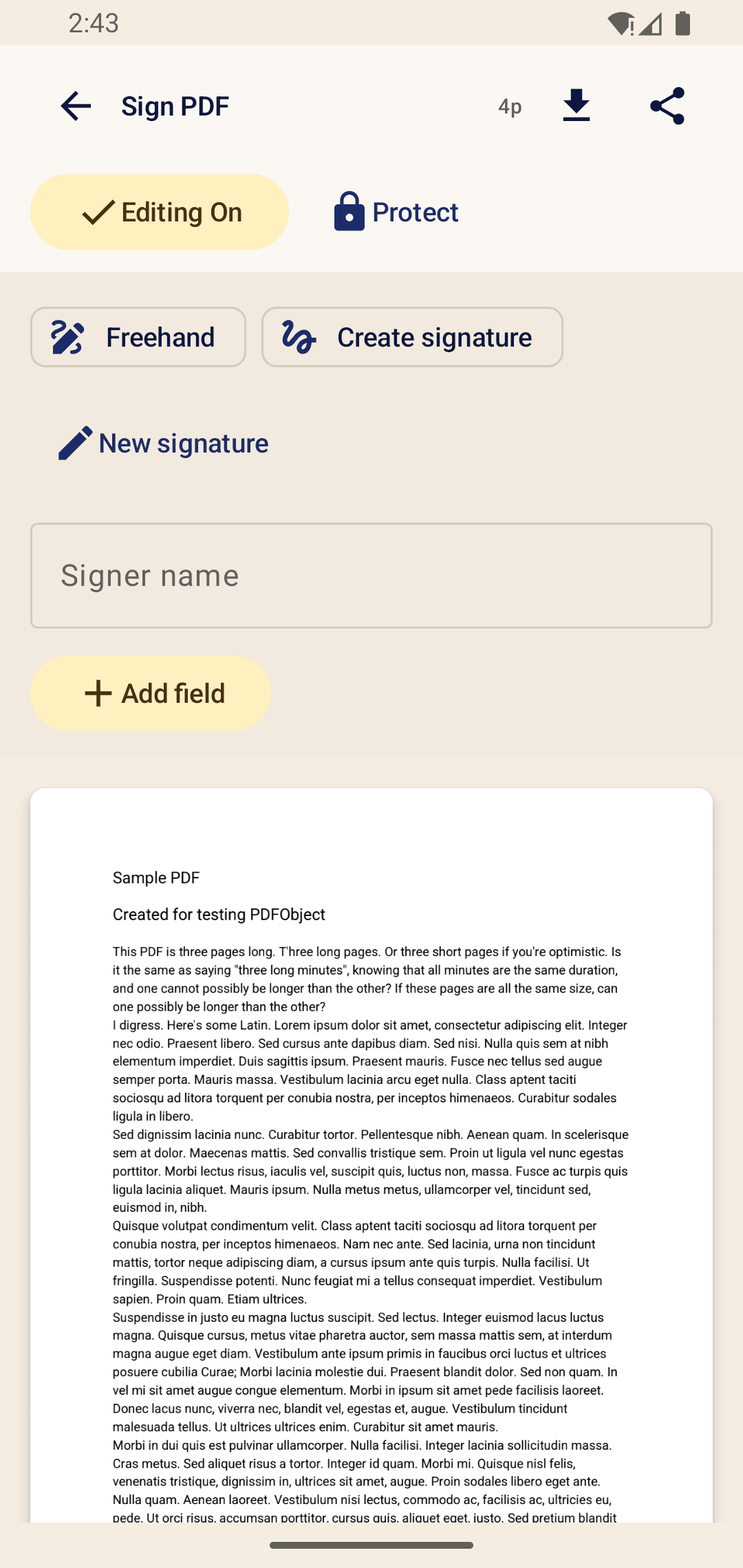
FidelDoc sign PDF screen with annotation and protection tools
Sign PDF
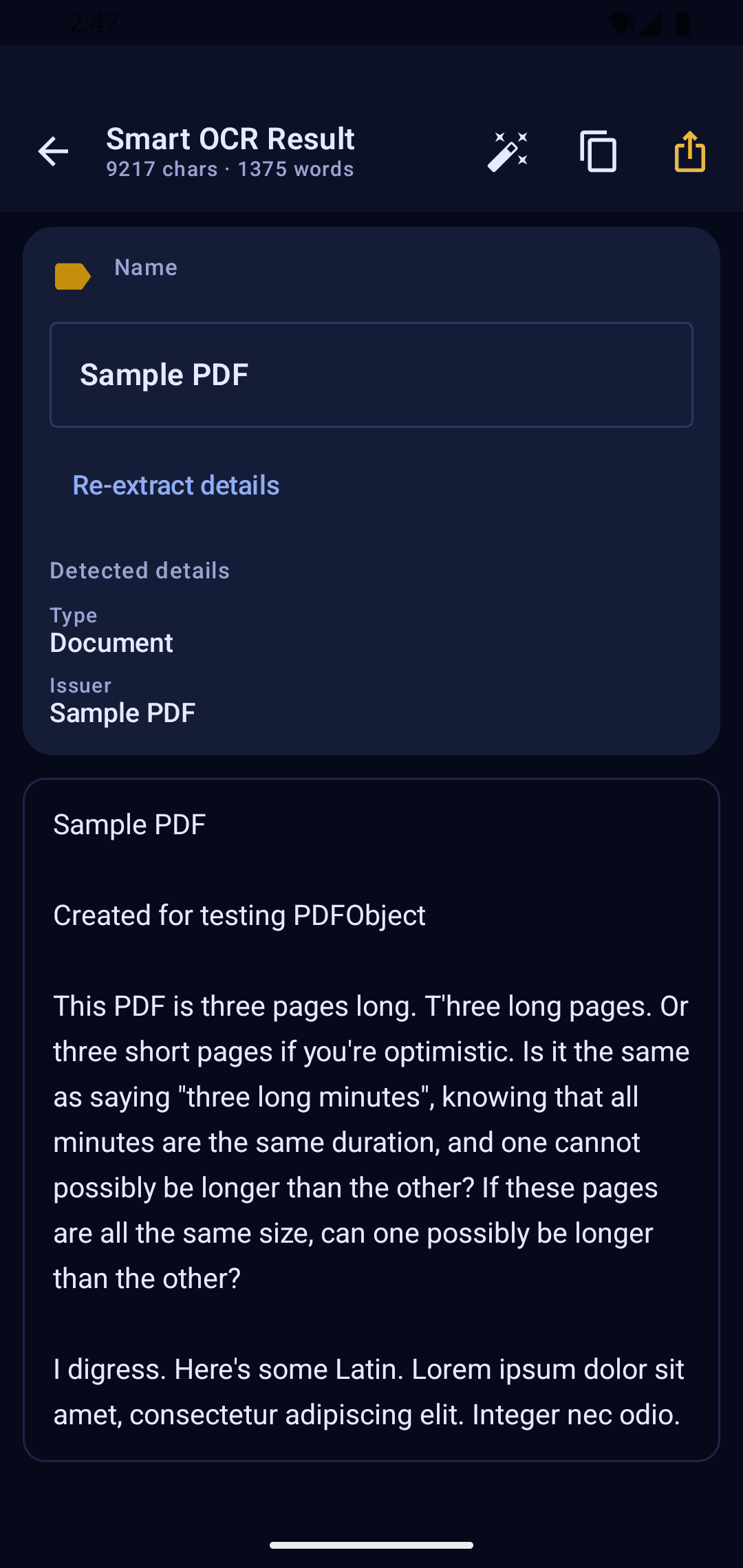
FidelDoc Smart OCR result screen showing extracted text
OCR Result

// CAPABILITIES

Everything in one app

Scanning, OCR, PDF tools, and export — no juggling between multiple apps.

📷

Scan anything

Point, shoot, done. Auto-crop, image enhancement, and multi-page scanning built in. Or import a PDF or image you already have.

🔤

OCR in your language

Converts Amharic, Tigrinya, Afaan Oromo, and English text from images and scanned PDFs into editable, searchable text — entirely on your device.

🗂️

Find any document instantly

A built-in library indexes every scan and OCR result. Search by title, content, or document type — no folder hunting.

📄

Full PDF toolkit

Merge, split, compress, sign, watermark, and password-protect PDFs. No desktop required. No subscription. No cloud.

🔁

Export in any format

Send documents as PDF, searchable PDF, DOCX, TXT, Markdown, or images. Bundle multiple files into a ZIP for batch sharing.

🔒

Nothing leaves your phone

No account, no server, no upload. Your documents are scanned, recognized, and stored entirely on your device.

OCR for images and PDFsSign & protect PDFWatermark PDFBatch ZIP exportPDF ↔ DOCX/MarkdownImages → PDFPDF → ImagesMerge, split, compress

// HOW IT WORKS

From capture to export

Three steps. Everything on your phone.

01

Scan or import

Use the camera to scan a physical document, or import any PDF, image, or file from your phone or another app.

02

Recognize text in your language

Run OCR on your scan or PDF. FidelDoc reads Amharic, Tigrinya, Afaan Oromo, and English — then exports the result as searchable PDF, DOCX, TXT, or Markdown.

03

Sign, protect, or export

Sign the document, watermark it, compress it, or bundle everything into a ZIP. Done on your phone, ready to share.

// SUPPORTED LANGUAGES

OCR for scripts that others skip.

Building accurate OCR for Ge'ez script (Ethiopic) is genuinely hard — most apps simply don't do it. FidelDoc uses on-device Tesseract OCR trained on Amharic and Tigrinya, and on-device ML Kit for Afaan Oromo and English. No internet required for any of them.

AmharicAMGe'ez script · on-device
TigrinyaTIGe'ez script · on-device
AfAfaan OromoOMLatin script · on-device
ENEnglishENGLatin script · on-device

Additional Tesseract language packs (Arabic, French, and more) can be downloaded inside the app and work fully offline after setup.

// WHY FIDELDOC

What other scanner apps don't do.

If you've tried other apps and found them useless for Ethiopian documents, this is why.

Other scanner apps

No Amharic, Tigrinya, or Afaan Oromo OCR
Upload your documents to their servers
PDF tools locked behind a subscription
Ads or monetized usage data
Require account creation to use

FidelDoc

Offline OCR for 3 Ethiopian languages
Everything stays on your phone
All tools included — free, forever
No ads, no tracking, no analytics
Install and use. No account ever.

// PRIVACY

Your documents never leave your phone.

Most document apps send your files to a server to process them. FidelDoc doesn't. There is no server. Everything — scanning, OCR, PDF operations — happens on your device, with no account and no upload step.

What we don't collect

  • Your documents or scanned images
  • OCR results or extracted text
  • Personal identification information
  • Device identifiers or location data
  • Usage analytics or crash reports

What internet is used for

  • Downloading optional extra language packs (once, then offline)
  • On-device Google Play services for text recognition support
  • Nothing else — your document content is never sent anywhere
Read the full Privacy Policy →

// FAQ

Common questions

Is FidelDoc really free?
Yes. No subscription, no in-app purchases, no ads. FidelDoc is free to download and use indefinitely.
Does OCR work without internet?
Yes. All OCR — including Amharic, Tigrinya, and Afaan Oromo — runs entirely on your device. After installing the app and any optional language packs, no internet connection is ever needed.
How accurate is the Amharic OCR?
Accuracy depends on scan quality. Clear, well-lit scans of printed text give the best results. Handwritten text is not currently supported. Better lighting and a steadier shot directly improve results.
What file formats can I export to?
PDF, searchable PDF, DOCX, TXT, Markdown, and images (JPEG/PNG). You can also export multiple files at once as a ZIP archive.
What Android version do I need?
FidelDoc supports Android 8.0 (Oreo) and above.
Do I need to create an account?
No. There is no account, no sign-in, and no registration of any kind. Install it and start using it immediately.
Does it upload my documents anywhere?
No. All scanning, OCR, and document processing happens on your device. Your files are never sent to our servers — we don't have any.

Stop retyping your documents.

FidelDoc is published on Google Play, works offline, and was built for Ethiopian languages. Install it once and use it forever - no account, no subscription, no cloud.

↓ Download FidelDoc Free

Android 8.0+ · Free · No ads · No account required